Make every recording look polished
Backgrounds, aspect ratios, cursor styling — everything you need to go from raw screen capture to shareable content.
Beautiful backgrounds
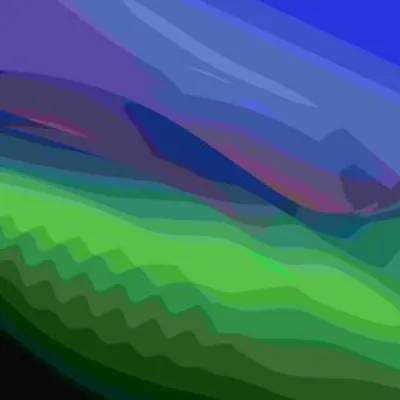
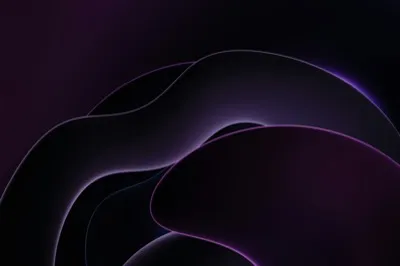
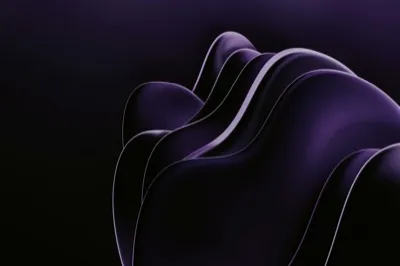
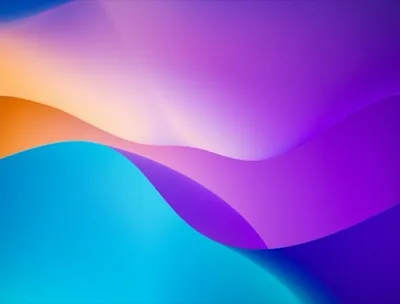
Drop your recording onto a gradient, solid color, or image background. Choose from 8 color presets, 30+ curated images, or upload your own.
- 8 color presets + custom hex input
- 30+ curated background images
- Upload your own image or drag-and-drop




Any aspect ratio
One recording, every platform. Switch between 16:9 for YouTube, 9:16 for mobile, 4:3 for presentations, 1:1 for social — or keep the original ratio.
- Auto, 16:9, 4:3, 1:1, 9:16
- Dynamic padding adjustment per ratio
- Switch ratios after recording
Cursor that pops
Scale the cursor up so it's clearly visible, even in small embeds. A subtle squeeze animation on click gives visual feedback without cluttering the recording.
- 3x to 7x cursor scaling
- Click squeeze animation
- Optional motion blur for smooth feel
Every detail, dialed in
Adjustable padding
Control the margin around your recording from 0% to 100% for the exact framing you want.
Corner radius
Round the corners of your video frame from sharp to fully rounded — up to 100+ pt.
Drop shadow
Add a subtle shadow behind your video for depth and that floating-window look.
Ready to record?
Download Rekort and start making professional screen recordings in minutes.
Download for Mac